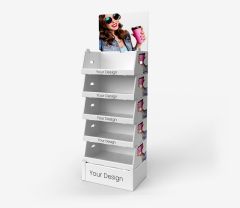













Print File Preparation Specifications
1. Specification - how to prepare files
Print files must be prepared according to the guidelines contained in the specifications below
General specification
 Download specification
Specification for cardboard products
 Download specification
2. Die cuts
Products that have die cuts available on the product page should be prepared using them. You can download the die cut for a given product by visiting the product page and clicking the button labeled Die Cut - it contains cut lines, bleeds, and safe zones that allow proper placement of artwork within the available print area.
WARNING
Please note that we are not responsible for print errors caused by files that do not comply with the above specification.