













How to order
Watch the Ordering Instruction Video
Watch the File Upload Instruction Video
Ordering Process Step by Step
1. Log In
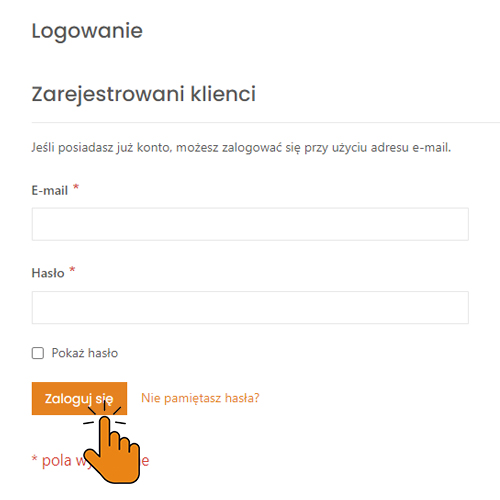
If you don’t have an account in our store, please register first.
2. Choose a Product
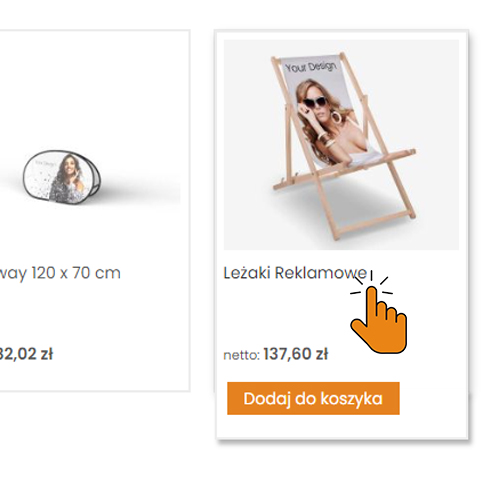
Select the product you want to order.
3. Download the Die Cut Template
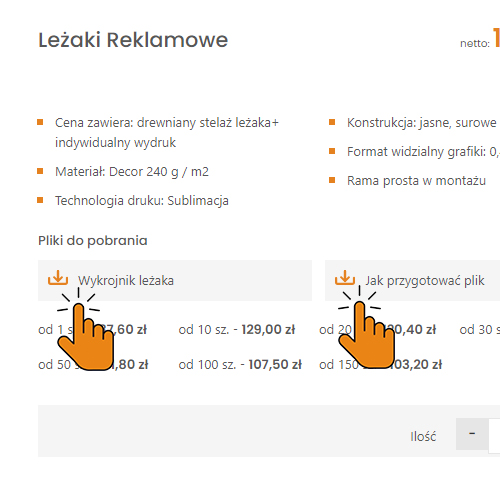
Review the file preparation specification and download the die cut template if available for your product. This will help you prepare the print files.
4. Add Products to the Cart
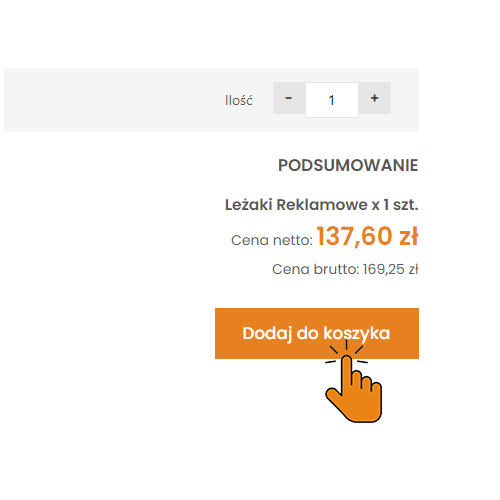
Enter the quantity and add the selected products to your cart.
5. Proceed to Checkout
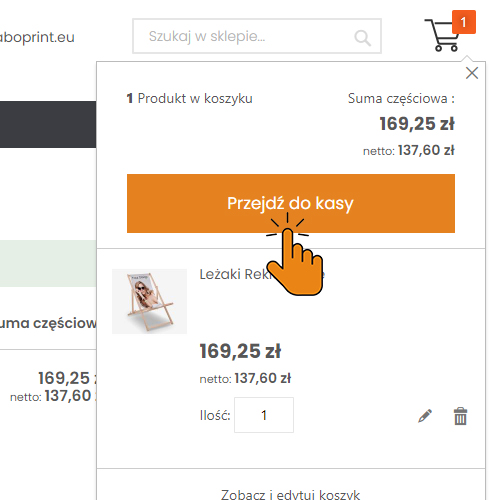
Once all products are in your cart, proceed to checkout to complete your order.
6. Enter Delivery Details
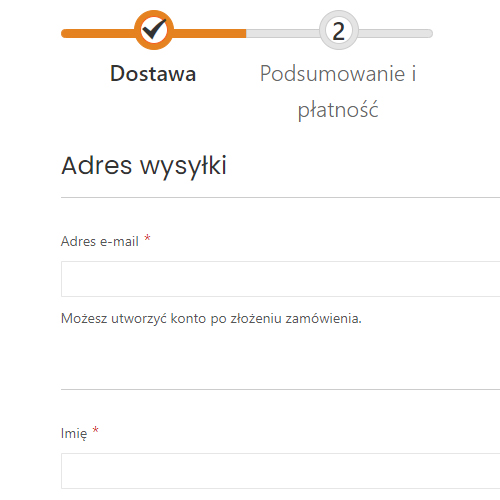
Fill in the delivery information. If you are logged in and have your data saved in the address book, just select it.
7. Choose Payment Method

Select the payment method and, if needed, enter invoice details if they differ from the delivery data.
8. Confirm the Order
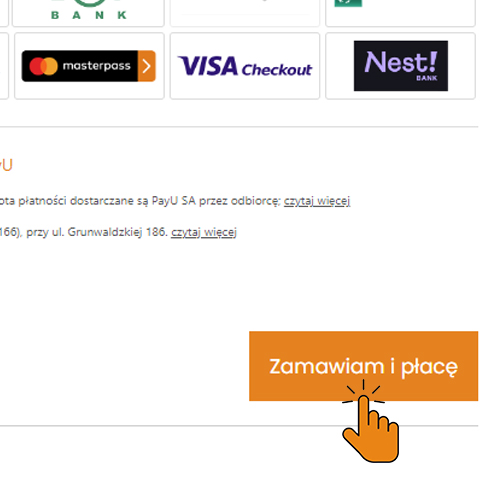
Place your order by clicking the Order and Pay button.
9. Pay for the Order

Depending on the payment method chosen, complete electronic payment or make a bank transfer using the details provided in the order confirmation email.
10. Submit Print Files
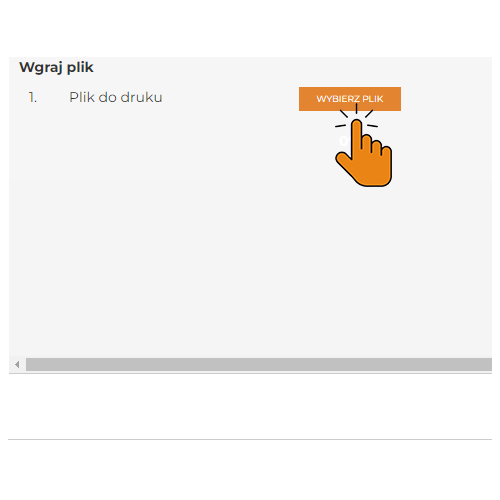
Upload print files in the order details after logging into your Customer Account or send them by email to [email protected].